Volley Bomb Controls & Camera Setup
Bump with left click on PC, the hit button or a screen tap on mobile, or R2 on a controller. Jump and use the same input to spike. Dive with E, the touch dive button, or R1.
Bump and Spike Inputs Across Devices
According to the official listing, a basic bump is performed using the Left Mouse Button on PC, tapping the screen or using the dedicated touch UI button on mobile, and pressing R2 on a controller. This grounded strike serves as your primary method for keeping the ball airborne.
To spike, jump and use the same input as a bump: left click, the touch hit button or a screen tap, or R2. Practice keeping the ball in view through the jump so you can decide when to hit.
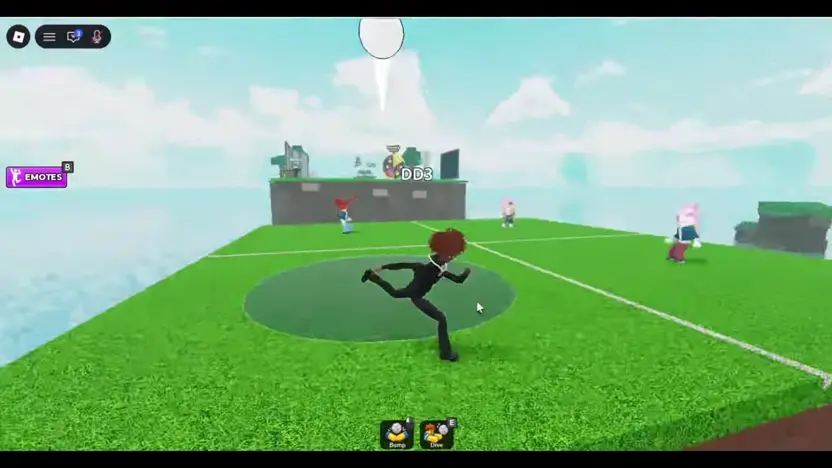
Dive and Ability Activation
When the ball drops toward your territory, the official controls assign the defensive dive to the E key on keyboard, the corresponding touch UI button on mobile screens, and the R1 bumper on controllers. Activating an ability uses the R key on PC, the designated ability touch button on mobile, and the L2 trigger on gamepads.
While the input bindings for abilities are officially listed, the developer description and reviewed gameplay footage do not specify individual ability names, cooldown durations, or how specific powers are unlocked.
Camera Alignment and Shift Lock
The developer recommends Shift Lock. Try it where your Roblox settings support it and check whether the camera stays aligned comfortably while you track a ball across the court.
Note that Shift Lock availability and exact toggle methods depend on your specific device and personal Roblox client settings. Because the reviewed gameplay footage does not verify the in-game settings menu for toggling this feature, check your standard Roblox menu options before entering a live square.